Welcome to The BTCPay OpenSimulator Plugin wiki!
The OpenSimulator Plugin targets an audiance that already have a bit of experience not only with the technical part of Opensimulator but also with the HyperGrid economy and the ways to conduct an inWorld business... In majority standalones or grids operators, 3D hosting providers, contents creators and merchants, free or paid educative services and all kind of non-profit entities and organizations.
The Opensimulator plugin add to BTCPay a permissioned public interface similar to the Pay Button but adapted for the Opensimulator usages and allow:
- Only 3D objects from a virtual world to interact with the plugin using LSL scripts.
- Only the 3D objects that the store owner authorize in the "Authorizations Manager" section to create invoices in her/his store.
- Only a maximum of 3 pending authorizations per store.
You can see the interaction of the plugin and inWorld objects in this video.
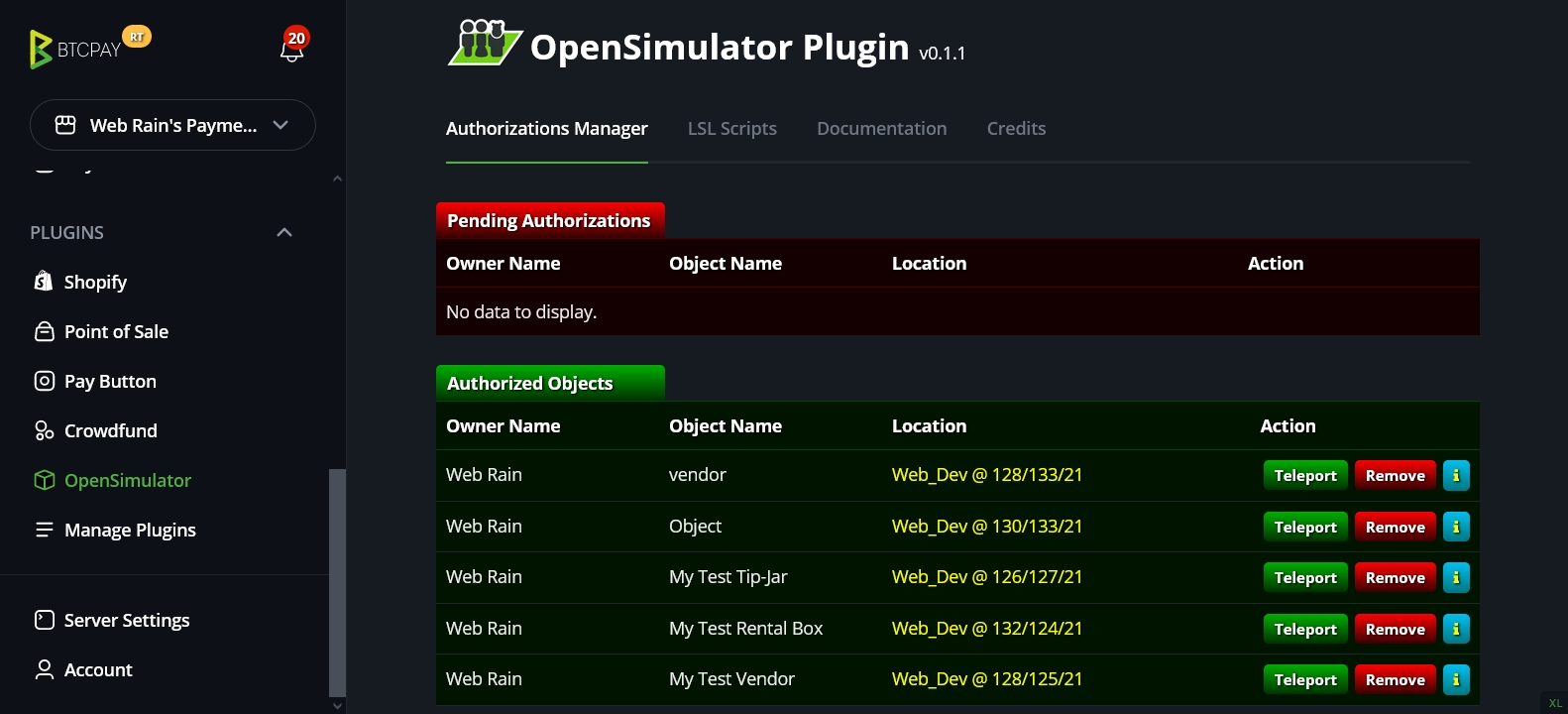
The scripts samples in the "LSL Scripts" section was made to interact with this plugin and handle the inWorld part like the objects registration and the invoices requests. Also handles the delivery of the purchased product / service after a successful payment (paid and confirmed) and the exceptions / failures.
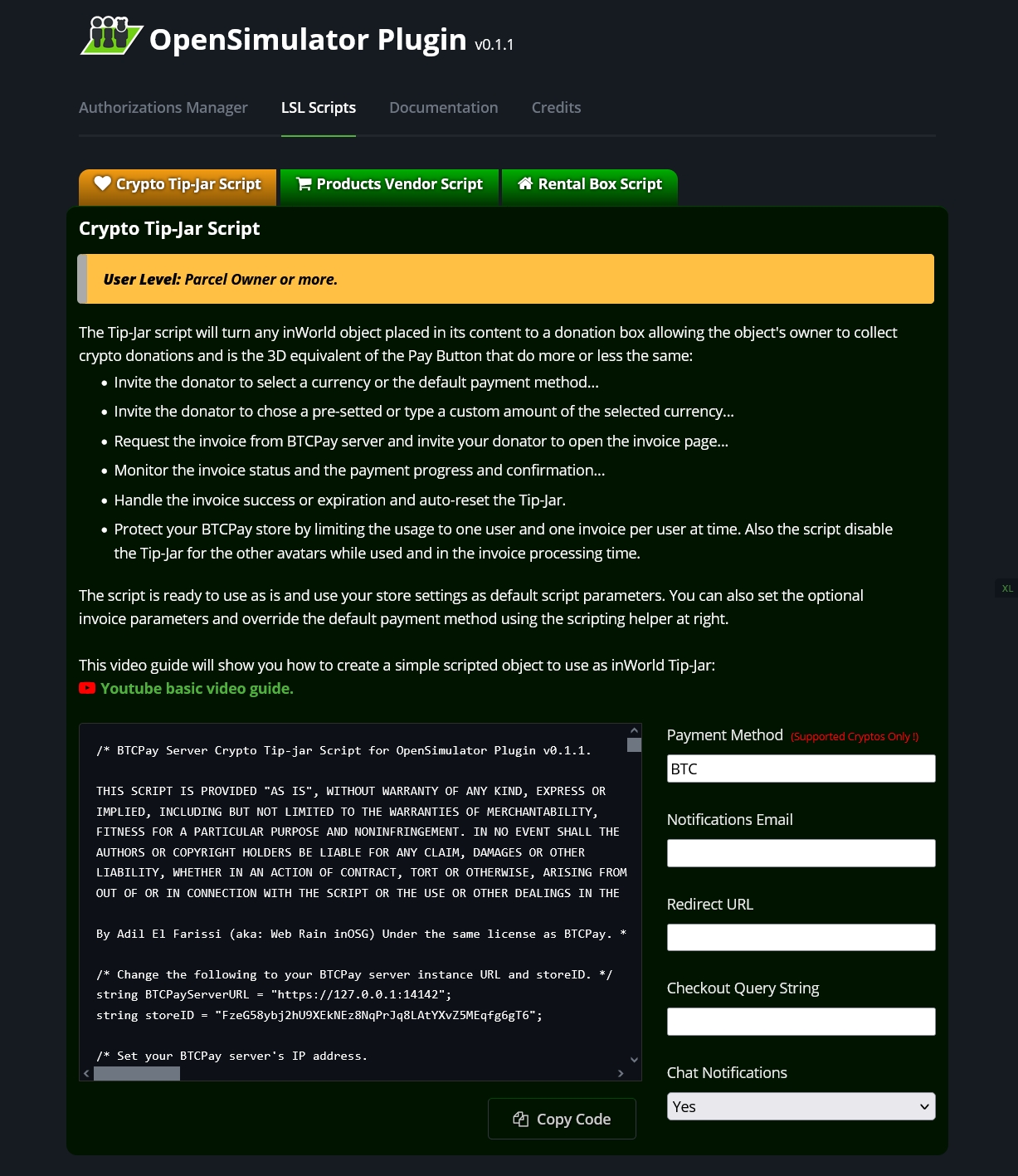
For the users:
Each script in the "LSL Scripts" section is provided with a scripting helper that allow you to setup the script and the invoice parameters like the price or the parcel position and is already pre-setted using as default parameters your BTCPay server URL and IP, the store ID, the default currency and payment method that you have set in your store settings...
For the scripters:
The scripts in the "LSL Scripts" section was made with 2 states and each handle a part of the process. So, you have just to read the default state to get the authorization part and the authorized state to get the invoicing part.
You can also merge both states in one and adapt them to your own cases of use.